Digital Organization That Actually Sticks (Because We Don't Have Time for Systems That Don't Work)
Last Tuesday, I spent twenty-three minutes looking for a worksheet I knew I had saved somewhere on my laptop. Twenty-three minutes, people. That's almost half my planning period gone, just hunting through folders named "Math Stuff" and "Random Things" and my personal favorite, "Desktop Cleanup February 2019."
Carlos found me muttering at my computer screen and asked what was wrong. When I explained, he just shook his head. "Mija, you organize your classroom supplies better than a pharmacy, but your computer looks like a hurricane hit it."
He wasn't wrong.
The Digital Disaster We All Know Too Well
We've all been there. It's Sunday night, you're planning for the week, and you need that perfect reading comprehension passage you used last year. You know it exists somewhere in the digital black hole that is your computer, but finding it? That's another story entirely.
I used to have documents scattered across my desktop, buried in email attachments, saved in three different Google Drive accounts (don't ask), and randomly stuffed into folders with names that made sense at 10 PM on a school night but mean absolutely nothing now.
The worst part? Every August, I'd promise myself THIS would be the year I got organized. I'd spend hours creating elaborate folder systems that looked beautiful and logical. By October, I was back to saving everything to my desktop and telling myself I'd "organize it later."
Sound familiar?
Why Most Digital Organization Systems Fail Teachers
Here's the thing nobody talks about: most organization systems are designed by people who don't understand our reality. We don't have time to file every document perfectly. We're not sitting at a desk for eight hours with nothing but filing to do.
We're grabbing resources between classes, saving things during lunch duty, and downloading materials at 6 AM before the kids arrive. Our organization system needs to work when we're tired, rushed, and probably running on our third cup of coffee.
The elaborate folder trees that look so pretty? They fall apart the moment you can't remember if that Presidents Day activity should go under "Social Studies," "February," or "Holiday Activities."
The "Good Enough" System That Changed Everything
Three years ago, I finally cracked the code. Not because I'm naturally organized (ask my family), but because I was desperate enough to try something different.
I call it my "Good Enough" system, and it's built on one simple truth: done is better than perfect.
Step 1: The Big Three Folders
Forget elaborate filing systems. You need exactly three main folders:
This Year: Everything for the current school year goes here. Lesson plans, worksheets, photos from field day, everything. Don't overthink it.
Archive: Everything from previous years. When June rolls around, you'll move most of "This Year" into here.
Personal: Non-school stuff that somehow ends up on your work computer anyway.
That's it. Tres folders, tres categories. Even at 6 AM, you can figure out where something belongs.
Step 2: The Magic of Date Naming
Here's the game changer: put the date at the beginning of every file name. Not the end, the beginning.
Instead of "Reading Comprehension Worksheet.pdf," save it as "2024-03-15 Reading Comprehension Worksheet.pdf"
Why? Because computers sort by the first character. This means your files automatically organize themselves by date, newest first. No more hunting through folders wondering when you created something.
Step 3: The Weekly Dump and Sort
Every Friday (or Monday, if Friday gets away from you), spend ten minutes doing a "dump and sort."
Look at your desktop. Anything that doesn't belong there gets moved into one of your Big Three folders. Don't worry about creating perfect subfolders or elaborate naming systems. Just get it out of the digital clutter zone.
I set a timer for ten minutes. When it goes off, I stop. This isn't about perfection; it's about progress.
Making It Stick in the Real World
The key to any system that actually works for teachers is building in forgiveness. You're going to mess up. You're going to save things to your desktop. You're going to forget to add dates to file names.
That's okay. The system still works.
When I forget to date a file name, I don't go back and fix it. I just remember for the next one. When I save something to my desktop instead of the right folder, I catch it during my weekly dump and sort.
Perfect is the enemy of done, and done is what gets us through the school year.
The Google Drive Addition
If you're using Google Drive (and honestly, who isn't these days?), the same principles apply. Create your Big Three folders there too.
But here's a bonus tip: use Google Drive's search function. It's incredibly powerful. Instead of trying to remember exactly where you filed something, just search for a word you remember from the document. Google will find it faster than you can navigate through folders anyway.
I've started thinking of my Google Drive folders less like filing cabinets and more like loose organization containers. They keep things roughly sorted, but the search function does the heavy lifting.
When Students Need to Find Things Too
This system works for student-facing materials too. When I share folders with my kids or parents, I keep the same simple structure. They don't need to navigate through my complex organizational mind; they need to find the homework packet or permission slip quickly.
I create one shared folder per quarter: "4th Grade Fall 2024," "4th Grade Winter 2024," and so on. Everything parents or students might need goes in the current quarter's folder. Simple.
The Bottom Line
After 22 years in the classroom, I've learned that the best system is the one you'll actually use. Not the prettiest one, not the most elaborate one, but the one that works when you're tired, stressed, and just need to find that darn worksheet.
Your digital organization doesn't have to be Instagram-worthy. It just has to work for you, on your worst days, when everything else is falling apart.
Start small. Pick one of these strategies and try it for a week. Don't overhaul everything at once (trust me, I've tried that approach and it never sticks).
We have enough on our plates without adding "digital organization perfectionist" to our job descriptions. Good enough really is good enough.
What's one small change you could make to your digital organization this week? Start there, and let me know how it goes.
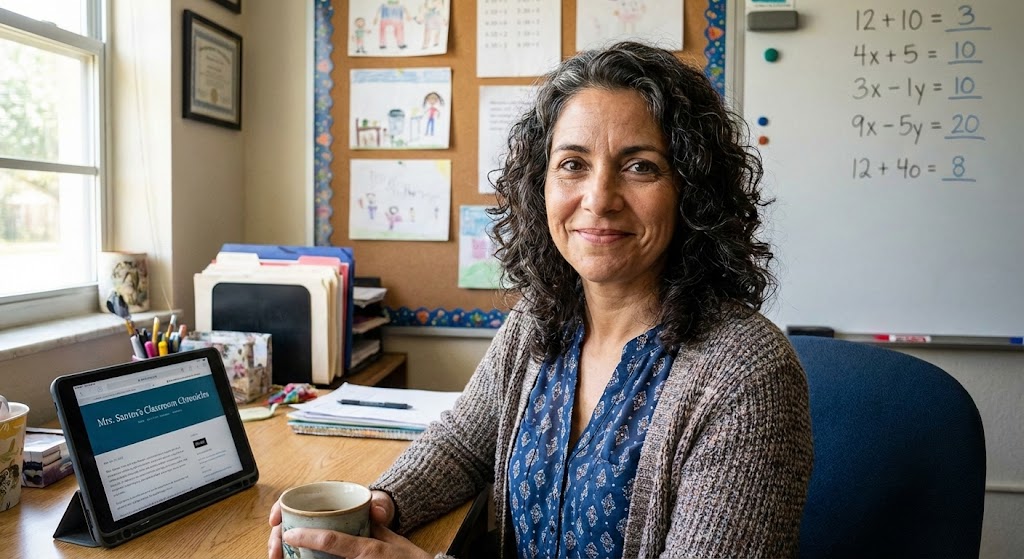
Maria Santos
Maria has been teaching 4th grade in Tampa, Florida for 22 years. Known as "the math whisperer" among her colleagues, she writes about the real challenges and victories of teaching in Florida's public schools.
When she's not grading papers or creating lesson plans, you can find Maria at her local teacher supply store (with coupons in hand) or sharing teaching tips over cafecito with her teacher friends.
View Full Profile →Related Articles
The Digital Mess on My Computer Was Embarrassing (Here's How I Finally Fixed It)
Classroom tech tip: Last spring, a new teacher at my school named Brittany asked if she could borrow...
The Only 5 Apps I Actually Use (And Why I Deleted the Other 47)
Classroom tech tip: Last week, I was cleaning out my phone and realized I had downloaded 52 educatio...
Ready to Improve Your FAST Scores?
Upload your class data and get personalized IXL success plans in seconds.
Try It Free