The Only 5 Apps I Actually Use (And Why I Deleted the Other 47)
Last week, I was cleaning out my phone and realized I had downloaded 52 education apps over the past three years. Fifty-two! And you know how many I actually use on a regular basis? Five.
The rest were just digital clutter, taking up space and making me feel guilty every time I saw their little icons staring at me. You know that feeling, right? Like when you buy a fancy planner in August and by October it's buried under a pile of papers while you're back to writing everything on sticky notes.
So today I'm sharing my real-deal, actually-use-them-weekly app lineup. These aren't the flashy ones that promise to revolutionize your teaching (we've all fallen for those). These are my workhorses, the apps that have earned their place on my home screen.
1. ClassDojo - My Digital Lifeline
I resisted ClassDojo for years because I thought it was just another behavior management gimmick. Boy, was I wrong.
What changed my mind was parent communication. When little Sofia had a breakthrough with her multiplication facts, I could snap a quick photo and send it to her mom instantly. No waiting for conferences, no trying to remember to mention it later. Just boom, shared joy in real time.
The behavior points are nice, pero the real magic is in those quick updates. Parents love seeing their kids' work, and it takes me literally 30 seconds to make someone's day.
Pro tip: Don't try to document everything. I pick one or two special moments per week to share. Quality over quantity, always.
2. Remind - Because We All Need Boundaries
This one saved my sanity and probably my marriage. Carlos used to joke that parents had my personal number on speed dial. Not anymore.
Remind lets me communicate with parents and students without giving out my real phone number. I can send quick reminders about homework, field trips, or that science project that's due tomorrow (you know, the one they "forgot" about).
The best part? I can schedule messages. Sunday evening, I'll set up the week's reminders so they go out automatically. It makes me look super organized when really I'm just batch-processing my communication.
Game changer: Use the quiet hours feature. No messages go out after 8 PM or before 7 AM. Trust me, you need this boundary.
3. Google Drive - My Everything Storage
I know, I know. Google Drive isn't exactly revolutionary. But hear me out.
After Hurricane Ian last year, I watched colleagues lose years of lesson plans because everything was on their school computer. Not me. Every worksheet, every unit plan, every cute idea I found on Pinterest at 11 PM lives in my Google Drive.
I organize it by subject, then by month. Simple folders like "Math - September" or "Science - February." Nothing fancy, just functional.
Time-saver: I share certain folders with my grade-level team. When Maria (yes, another Maria) creates an amazing reading comprehension packet, we all have it instantly. Collaboration without the email chains.
4. Timer+ - The Unsung Hero
This little timer app has prevented more meltdowns than I can count. And I'm talking about my meltdowns, not just the kids'.
We use it for everything. Math rotations, silent reading, clean-up time, even "how long can we listen to Mrs. Santos explain fractions before our eyes glaze over" (kidding, but only sort of).
The visual countdown helps my anxious kids know exactly how much time is left. No more "How much longer?" every thirty seconds. The timer shows them, and somehow that makes everything calmer.
Classroom management gold: I set it for transition times too. "You have three minutes to put away math and get out your reading books." The ticking sound keeps everyone focused, and they love trying to beat the timer.
5. A Simple Note-Taking App (I Use Apple Notes)
Nothing fancy here. Just a plain old note-taking app where I jot down everything I need to remember.
Parent conference notes, funny things kids say, ideas for next year's Halloween party, that brilliant lesson modification I thought of while stuck in Tampa traffic. It all goes in here.
I have different notes for different purposes. One called "Parent Contacts" where I track when I've called home. Another called "Next Year Ideas" for those lightbulb moments that always seem to come in May.
Organization tip: Start each note with the date. When I'm looking back through "Classroom Observations," I can quickly find what I need without scrolling through months of entries.
The Apps I Deleted (And Why)
Let me tell you about some of the casualties. That fancy gradebook app that promised to do everything? Too complicated, and I still had to put grades in our district system anyway. The classroom management app with seventeen different reward systems? Overwhelming for me and the kids.
The lesson planning app that was supposed to align everything to standards automatically? It created prettier plans than I needed and took twice as long as my simple Google Doc template.
Here's what I learned: if an app doesn't solve a real problem I have, or if it takes more time to use than it saves, it's got to go.
My "Maybe Later" List
There are some tools I'm keeping an eye on. My colleague Yolanda showed me FastIXL last month, and it's been helpful for matching our FAST scores to specific IXL skills when I'm planning interventions. Simple tools like that, ones that solve specific problems, are worth exploring.
But I'm pickier now. Before I download anything new, I ask myself: What problem is this solving? Do I already have a solution that works? Will this actually save me time, or just look like it should?
Less Really Is More
After 22 years in the classroom, I've learned that the best tools are often the simplest ones. I don't need an app that does everything. I need apps that do one thing really well.
These five apps work because they fit into my existing routines instead of forcing me to create new ones. They save me time instead of adding more tasks to my day. And they actually make my teaching better, not just different.
What about you? What apps have earned a permanent spot on your phone? I'd love to hear what's working in your classroom. Sometimes the best recommendations come from teachers who are in the trenches with us, figuring out what actually works versus what just sounds good in theory.
Remember, the goal isn't to have the most apps or the fanciest tech setup. The goal is to spend less time managing tools and more time doing what we do best: teaching kids.
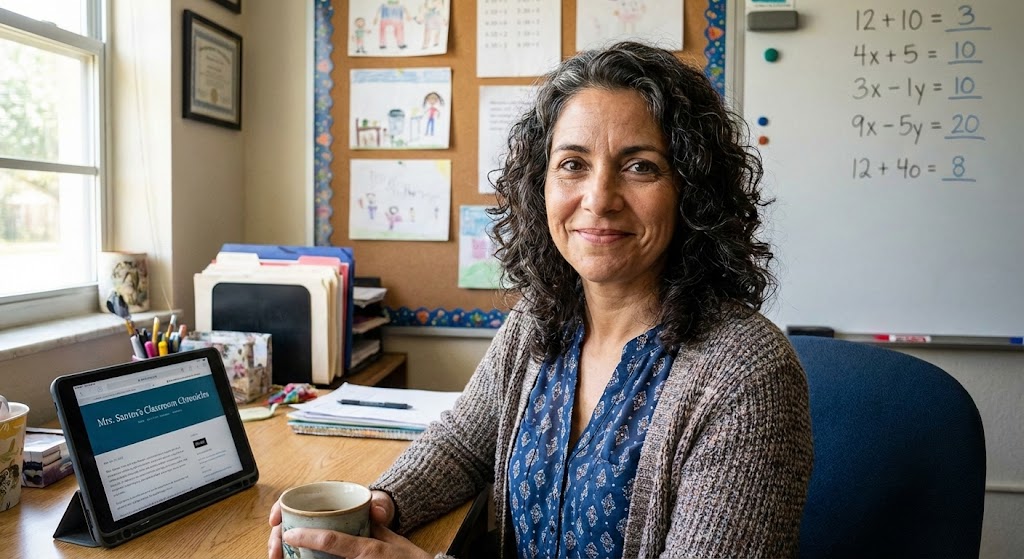
Maria Santos
Maria has been teaching 4th grade in Tampa, Florida for 22 years. Known as "the math whisperer" among her colleagues, she writes about the real challenges and victories of teaching in Florida's public schools.
When she's not grading papers or creating lesson plans, you can find Maria at her local teacher supply store (with coupons in hand) or sharing teaching tips over cafecito with her teacher friends.
View Full Profile →Related Articles
The Digital Mess on My Computer Was Embarrassing (Here's How I Finally Fixed It)
Classroom tech tip: Last spring, a new teacher at my school named Brittany asked if she could borrow...
Digital Organization That Actually Sticks (Finally!)
Classroom tech tip: Last Tuesday, I watched my colleague Jennifer frantically clicking through seven...
Ready to Improve Your FAST Scores?
Upload your class data and get personalized IXL success plans in seconds.
Try It Free